


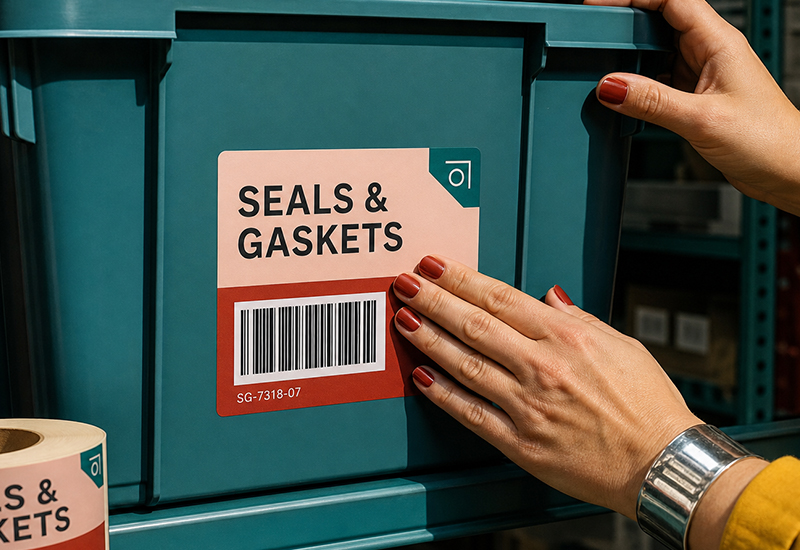
Whether you’re running a small warehouse, managing stock for an online shop, or just trying to bring order to a storage room full of unmarked boxes, a good item labeling system is the difference between finding what you need in seconds and tearing through shelves to find it. Done well, it’s invisible — everyone just knows where things are. Done poorly, it’s a daily source of friction.
Here’s how to build a labeling system that actually holds up, and what to know before choosing how to print it.
What Information Belongs on an Item Label
A useful item label answers a few questions at a glance: what is this, how much of it is there, and where does it belong.
Depending on your setup, a label typically includes some combination of:
- Item name or description
- SKU or item ID
- Quantity or unit count
- Storage location (shelf, bin, zone)
- Lot or batch number, where traceability matters
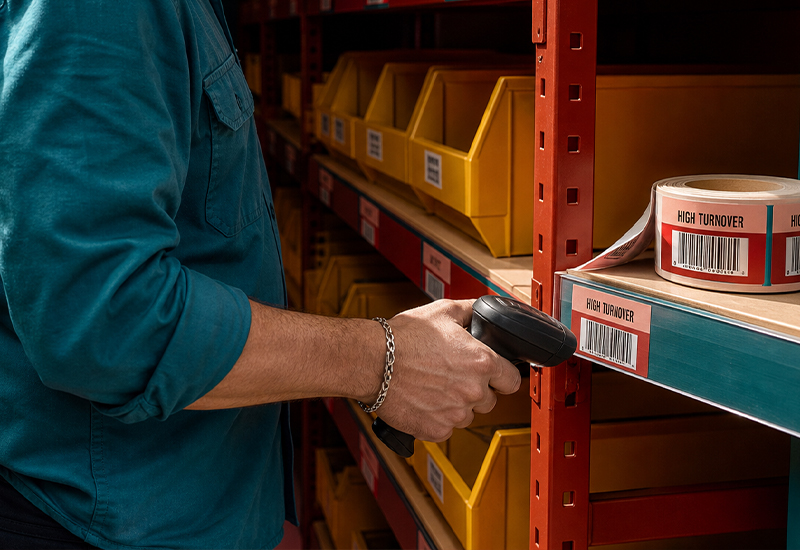
- Barcode or QR code, for scanning and tracking
Not every label needs all of these. A simple storage bin might just need a category name; a product moving through a warehouse might need most of the list.
Building a Labeling System, Step by Step
A good system is built before the first label ever gets printed.
Start with an audit. Before labeling anything, get a clear picture of what you actually have — categories, quantities, current storage locations. Labeling a disorganized inventory just makes the disorganization more official.
Group by logic, not convenience. Categorize items by how they’re actually used or moved — by product type, by storage zone, by turnover frequency — rather than whatever grouping happens to be easiest in the moment.
Decide what level of detail each label needs. A label on a storage bin doesn’t need the same detail as a label on an individual product. Matching the label to the right level of the system avoids both overload and gaps.
Apply consistently. The most common failure point isn’t the labeling system itself — it’s inconsistent application. One team using a shorthand another team doesn’t recognize defeats the purpose.
Variable-Data vs. Standardized Labels
This distinction matters more than it might seem, because it affects how you’ll actually produce your labels.
Variable-data labels carry unique information on every single piece — a different barcode, serial number or QR code for each item in a batch. This is what you need for tracking individual units through a supply chain, assigning unique identifiers to serialized inventory, or generating sequential codes for tracing. Producing these requires a printer and software set up specifically for that job — typically a dedicated thermal printer connected to inventory or labeling software, printing one unique label at a time as needed.
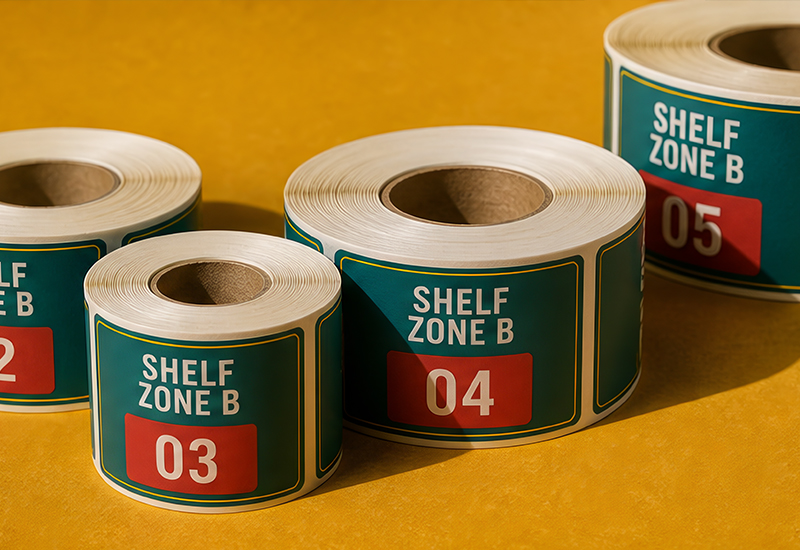
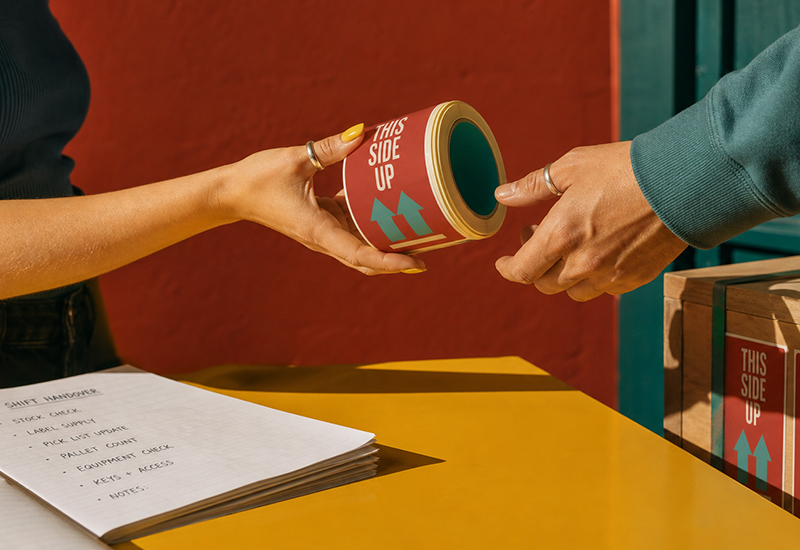
Standardized labels, by contrast, use the same fixed design across an entire batch — a category name, a handling instruction like “Fragile” or “This Side Up,” a branded asset tag, or a consistent bin label used across an entire storage system. Because the design doesn’t change from piece to piece, these can be printed in bulk, in advance, exactly like any other custom print job.
Worth knowing if you’re comparing print options: Pixartprinting’s roll labels are built for the second category — consistent, fixed-design labels printed in volume, not per-item variable data. If your labeling need is genuinely one unique code per item, a dedicated variable-data label printer or service is the right tool for that specific job. If it’s a fixed design applied repeatedly — category labels, handling instructions, branded bin tags — that’s exactly where custom roll labels fit well, ordered from as few as 100 copies.
Common Mistakes in Item Labeling
- Inconsistency between teams or shifts. A labeling convention that isn’t documented and shared tends to drift, and drift is where tracking errors start.
- Labels that are hard to scan or read. Poor contrast, small barcodes or labels applied at odd angles slow down every single scan, not just the occasional one.
- No process for updates. Inventory changes; labels need a clear process for being replaced or corrected when it does, not just when someone notices a problem.
- Overcomplicating simple storage. Not every bin needs a barcode — matching label complexity to actual need keeps the system usable instead of just thorough.
FAQ
What’s the difference between a barcode label and a standard item label? A barcode label is scannable and typically tied to inventory software for tracking. A standard item label may just communicate information visually — a category, a name, a handling instruction — without being scanned at all. Many systems use both, depending on the item.
Do I need unique labels for every item, or can I use the same design? It depends on what you’re tracking. If you need to trace individual units, you need unique (variable-data) labels. If you’re labeling by category, location or handling instruction, a single fixed design applied consistently is usually enough — and far simpler to produce.
How often should a labeling system be reviewed? Whenever your inventory structure changes significantly — new categories, a new storage layout, a new tracking requirement — it’s worth revisiting whether your current labels still make sense.
Can I print item labels in bulk? Yes, for standardized, fixed-design labels — category tags, handling instructions, branded asset labels — bulk printing is straightforward and cost-effective. Labels that need unique data per item require different production methods.
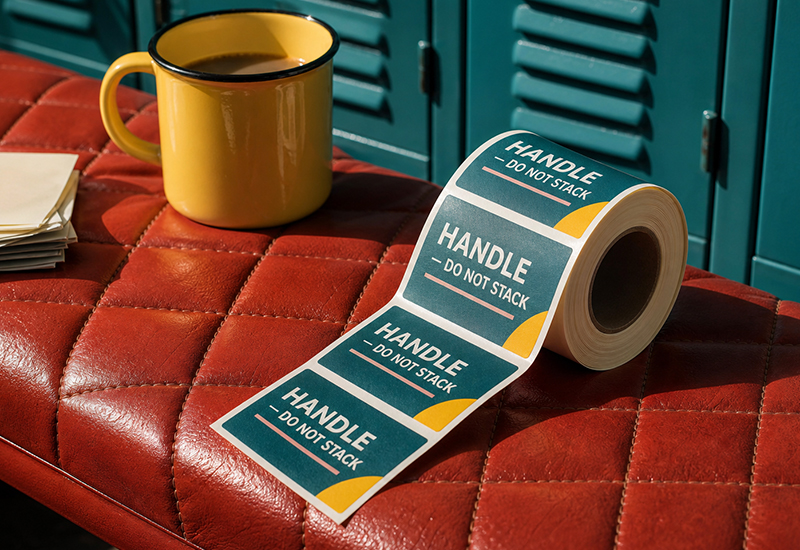
If your labeling need is a consistent, fixed design — category tags, “Fragile” handling labels, branded bin or asset labels — you can set the exact size, material and quantity through Pixartprinting’s roll labels, from a small batch to a full production run.