
20% off on your first order: use the promocode WELCOME
Custom Flyer Printing for Your Business
Reach your audience fast with eye-catching custom flyers. Whether you’re promoting an event, launching a special offer, or spreading the word about your business, flyers are a powerful marketing tool. Display them on countertops, include them in giveaways, or hand them out directly—whatever your strategy, they make an impact.

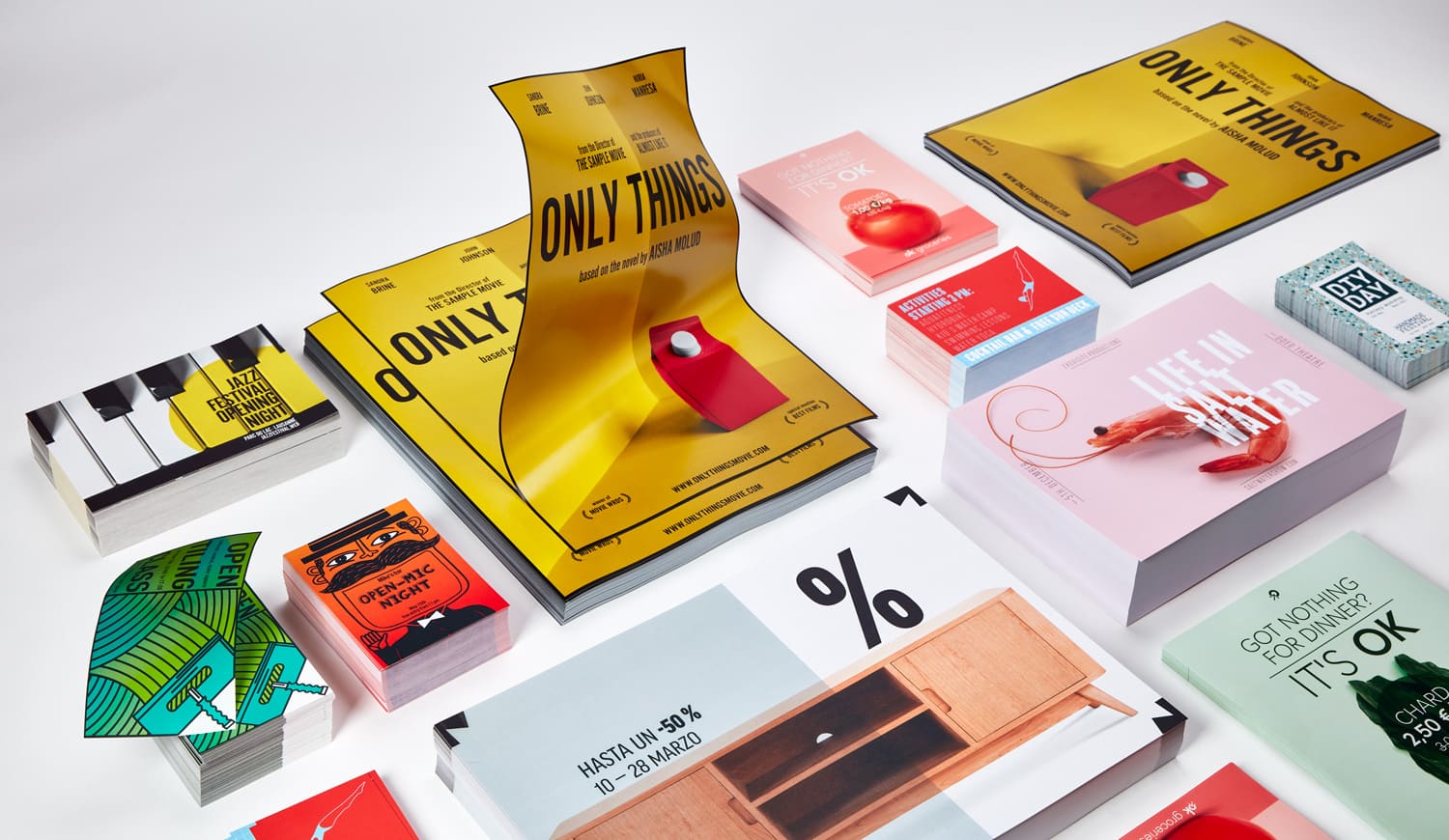

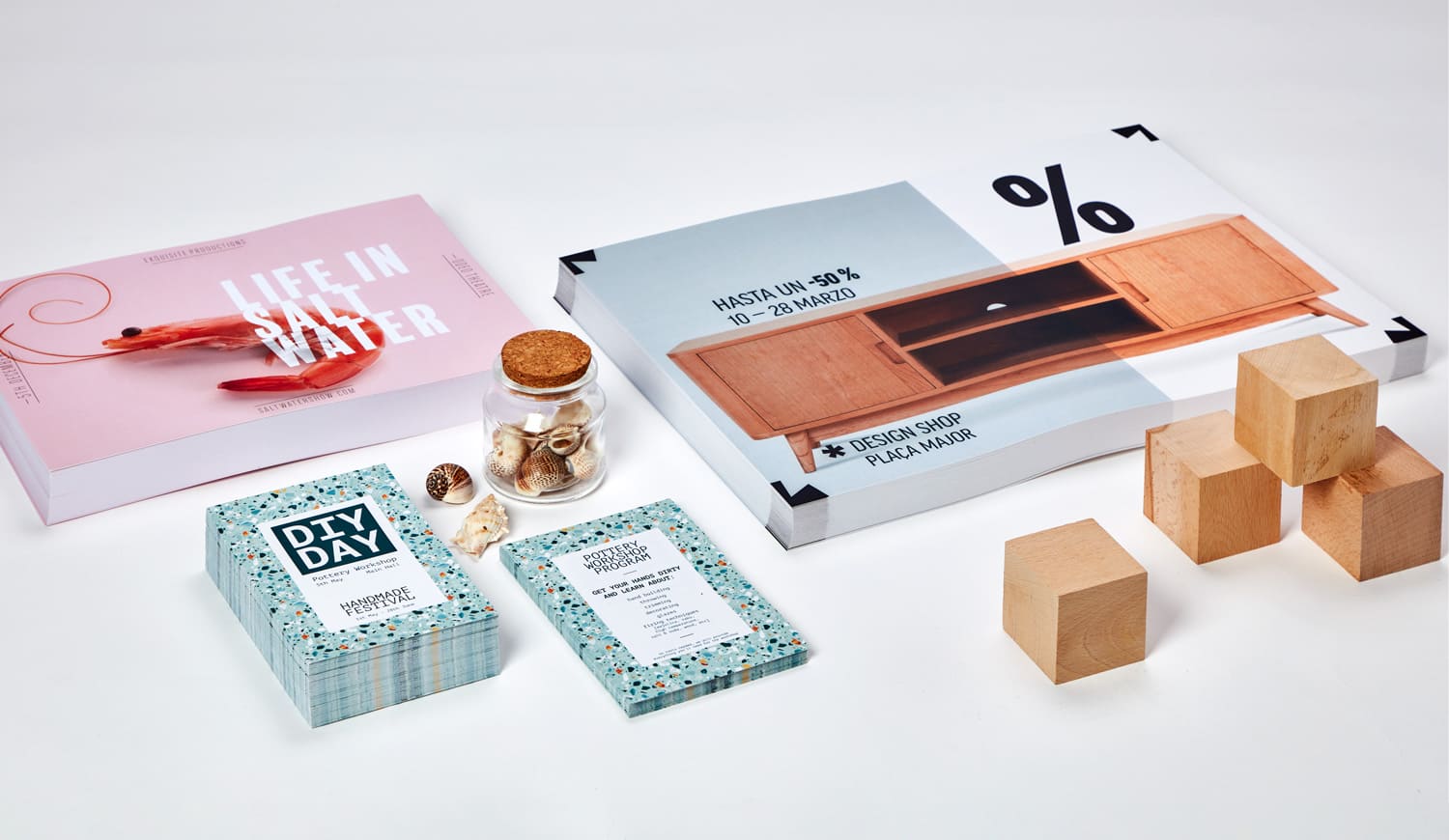
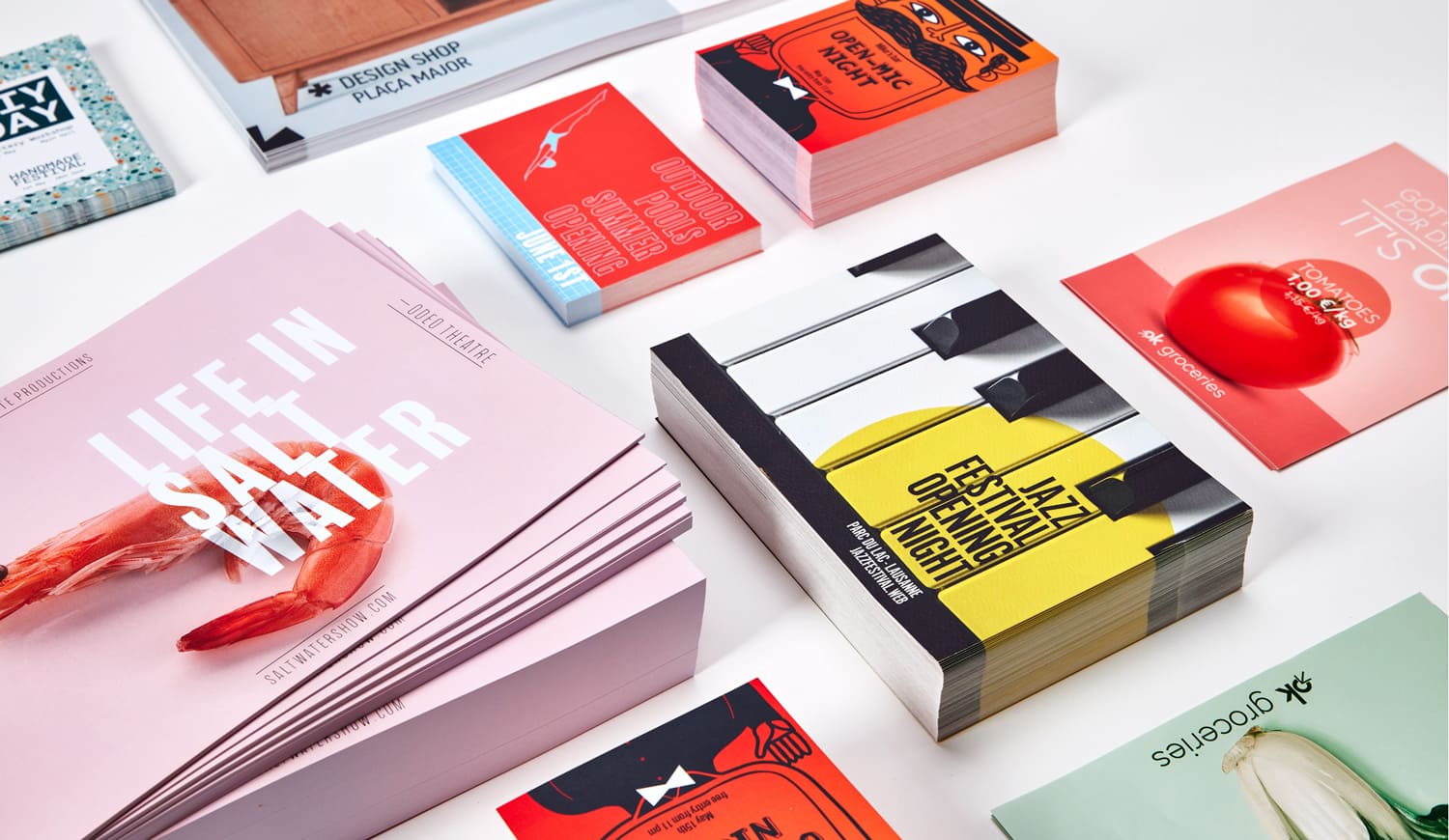
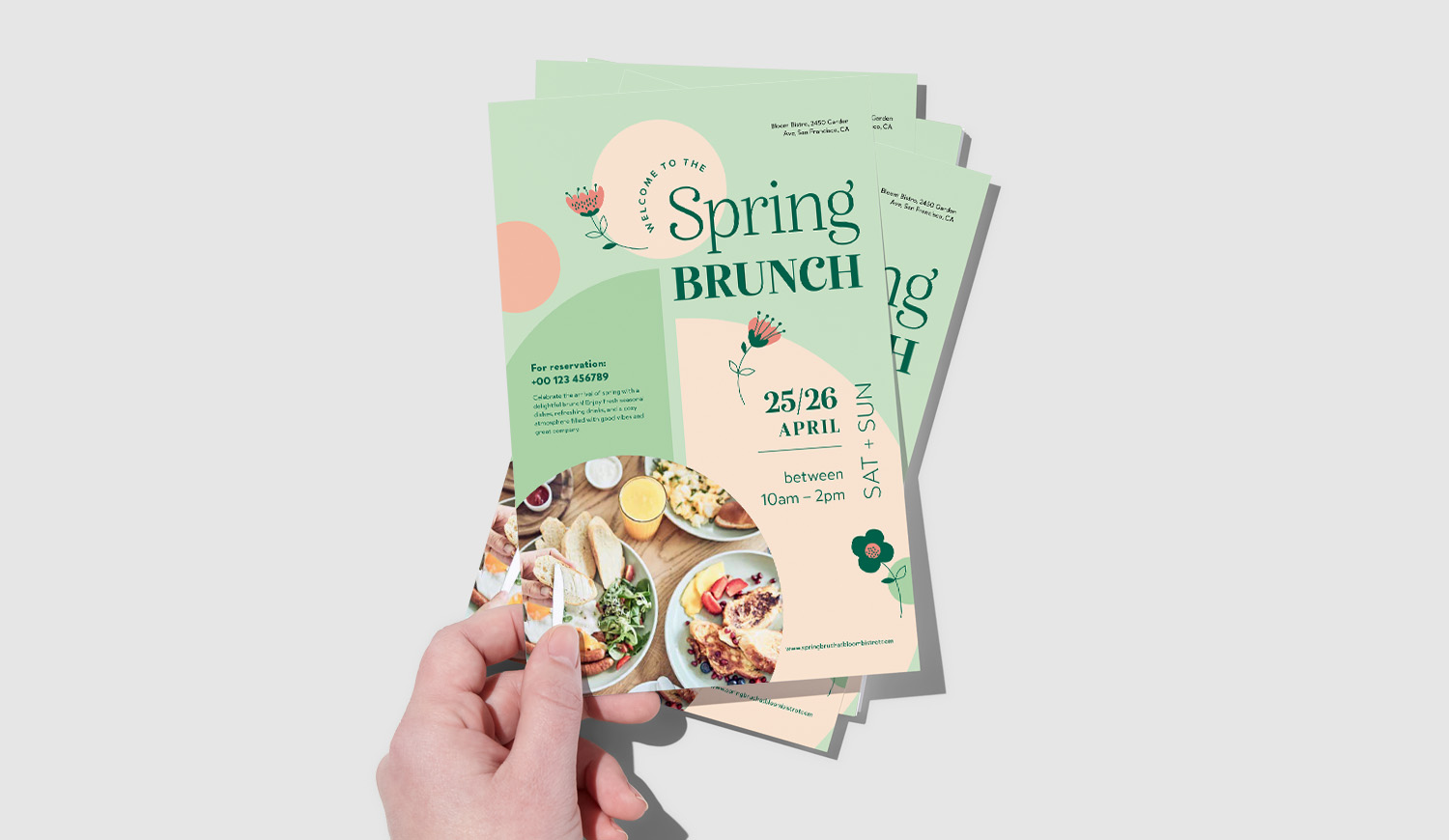
Custom Flyer Printing for Every Campaign
Whether you are promoting a new product, announcing an event, supporting a sales campaign, or introducing your business to new customers, custom flyers give you a practical way to put your message directly in people’s hands. With Pixartprinting, you can configure your flyer printing order online by choosing the size, paper type, printed sides, and quantity that suit your project. Orders start from just 25 copies, making the service suitable for small local promotions as well as larger marketing campaigns.
Flyers and leaflets can be used in stores, at trade shows, during events, inside packages, at reception desks, or as handouts for street and local marketing. Depending on your design, they can focus on a single offer or combine branding, contact information, product details, QR codes, and calls to action in one compact printed piece. You can choose front-only printing for a simple message or front-and-back printing when you need more space for information.
Choose the Right Size for Your Custom Flyers
The format of a flyer affects both its visual impact and the amount of information you can include. Pixartprinting offers a wide selection of standard sizes, so you can choose a compact handout, a square format, or a larger sheet according to your campaign. Available sizes include 11" x 17", 8.5" x 11", 8" x 8", 6" x 6", 5.5" x 8.5", 5" x 7", 4.2" x 5.5", 4" x 6", 3.75" x 8.25", and 2.5" x 4".
Larger formats such as 11" x 17" or 8.5" x 11" give you more room for images, offers, menus, schedules, or detailed product information. Mid-size formats work well for general promotional handouts, while smaller options such as 4" x 6", 3.75" x 8.25", or 2.5" x 4" are convenient when you want something easy to distribute or include with other printed materials. Square sizes such as 8" x 8" and 6" x 6" can also help create a distinctive layout for campaigns built around photography or bold graphics.
Paper Types for Flyer Printing
The paper you choose can change the look, feel, and readability of your custom flyers. Pixartprinting offers options ranging from flexible uncoated paper to thicker premium stocks, with matte, glossy, and uncoated surfaces available depending on the material.
- 5 pt Uncoated: A flexible 5 pt uncoated paper with a natural, untreated surface. At 70 lb, it is a practical option for flyers and handouts and is easy to write on.
- 5 pt Matte: A 5 pt, 100 lb paper with a smooth, non-reflective surface. It is particularly suitable for layouts where text readability is important.
- 5 pt Glossy: A 5 pt, 100 lb glossy paper with a UV finish. Its high-shine surface enhances color and image detail, making it a useful choice for photography and graphics.
- 9.5 pt Premium Matte: A 270 gsm stock with a smooth, refined, non-reflective surface. Its heavier feel works well for premium marketing materials while maintaining strong readability.
- 9.5 pt Premium Glossy: A 270 gsm glossy stock with a UV finish. The high-shine surface is designed to emphasize photos, colors, and detailed graphics.
- 14 pt Premium Uncoated: A 270 gsm uncoated stock with a thicker feel and a natural surface that is easy to write on.
- 16 pt Ultra Premium Glossy: A 350 gsm glossy stock with a UV finish. This thicker, heavier option provides a substantial feel and a bright surface for image-led designs and bold colors.
When choosing a stock, consider how your flyer will be used. Uncoated paper is useful when recipients may need to write on the printed piece, while matte surfaces reduce glare and support text-heavy layouts. Glossy papers are a good option when photographs, illustrations, or strong colors are central to the design. Thicker stocks can give a flyer a more substantial feel when presentation is especially important.
Business Flyers for Promotions, Sales and Local Marketing
Business flyers are a flexible way to communicate offers, services, launches, and company information. A restaurant can use them to promote a new menu or special event, a retailer can advertise a seasonal sale, and a service business can distribute flyers locally to introduce its services and contact details. They can also support product launches, openings, loyalty initiatives, and in-store promotions.
For an effective business flyer, keep the hierarchy clear. Lead with the main message, then support it with the most important details and a visible call to action. Your logo, website, phone number, store address, or QR code should be easy to find. If your message is simple, front-only printing may be enough. If you need to combine promotional content with product details, terms, a map, or contact information, front-and-back printing gives you more room without increasing the physical size of the flyer.
Flyers for Events, Openings and Special Occasions
Event flyers can help communicate the essential details of concerts, club nights, trade shows, conferences, store openings, exhibitions, community events, and other occasions. A strong event flyer should make the event name, date, location, and call to action immediately visible, while the design should reflect the visual identity of the event or organizer.
Format and paper choice can support the way your flyers will be distributed. Compact sizes are convenient for handouts, welcome desks, counters, and giveaway bags, while larger formats provide additional space for schedules, lineups, sponsors, maps, or multiple event details. For image-heavy event artwork, a glossy surface can highlight colors and photography; for designs built around typography and detailed information, a matte paper can offer a more subdued, readable surface.
Flyer vs. Brochure: What Is the Difference?
Flyers and brochures are both useful printed marketing materials, but they serve different content needs. A flyer is typically a flat printed sheet designed to communicate a focused message quickly. It works well for promotions, announcements, offers, events, menus, and handouts where the reader should understand the main message at a glance.
A brochure is generally better suited to more structured or detailed content and can use folds to divide information into separate panels. This makes brochures useful for presenting several services, product ranges, company information, itineraries, or step-by-step content in a more organized format. If your campaign requires multiple sections or a folded presentation, explore Pixartprinting’s custom brochure printing options. If you need a straightforward sheet for direct distribution, leaflet printing or flyer printing may be the more suitable format.
How to Print Flyers Online with Pixartprinting
Ordering custom flyers online is straightforward. Start by selecting the format that best fits your design and distribution plan. Then choose your preferred paper stock, select whether you want printing on the front only or on both the front and back, and set the quantity. Once the product configuration is complete, you can upload your print-ready artwork and continue with your order.
Choosing the specifications before finalizing your artwork can help you avoid unnecessary adjustments. Build your layout around the selected dimensions, keep important text and logos within the recommended safe area, and follow the file setup instructions provided for the product. This is particularly important for artwork with backgrounds, images, or graphic elements that extend to the edge of the finished flyer.
Create Custom Flyers with Free Templates and the Online Editor
If you do not already have print-ready artwork, Pixartprinting provides free flyer templates and an online editor to help you prepare your design. You can use these tools to arrange text, images, branding elements, and promotional information directly online.
Templates can also be helpful when you need guidance on the proportions of a specific format. Whether you are creating a simple promotional leaflet, a business handout, or an event flyer, starting with the correct dimensions helps ensure that your content is organized for the final printed size.
Tips for Designing Effective Custom Flyers
A well-designed flyer should communicate its purpose quickly. Before adding visual elements, decide on the single most important action you want the reader to take. This could be visiting a website, scanning a QR code, attending an event, redeeming an offer, contacting your business, or visiting a store.
- Lead with a clear headline: Make the main message easy to identify within a few seconds.
- Create a visual hierarchy: Use size, spacing, and typography to guide the reader from the headline to supporting details and the call to action.
- Use high-quality images: Choose graphics and photography suitable for print so important details remain clear.
- Keep text concise: Flyers work best when readers can scan the key information without navigating long blocks of copy.
- Make the CTA visible: Highlight the next step, whether it is a website, QR code, phone number, event date, or store location.
- Match the paper to the design: Consider matte paper for text-focused layouts, glossy options for vivid imagery, or uncoated stock when a writable surface is useful.
Flyer Printing from Just 25 Copies
Not every campaign requires hundreds or thousands of handouts. Pixartprinting lets you order flyer printing from just 25 copies, giving you flexibility for smaller events, local campaigns, test promotions, limited-time offers, or targeted distribution. Starting with a smaller quantity can also be useful when you want to test different messages or designs before producing a larger run.
For broader campaigns, you can configure the quantity that best matches your distribution plan. Before ordering, consider where the flyers will be handed out, how many locations or events they need to cover, and whether you want additional copies for future use.
Custom Flyers and Related Marketing Materials
Flyers can work alongside other printed products as part of a coordinated marketing campaign. Pair your custom flyers with business cards for networking and customer contact, or use custom stickers to add branded elements to packaging, giveaways, and promotional materials. For more detailed editorial or product content, you can also explore books, magazines, labels, and other printed marketing products available from Pixartprinting.
Order Custom Flyers and Leaflets Online
From compact promotional handouts to larger marketing sheets, Pixartprinting offers custom flyer printing in a range of formats and paper stocks. Choose between front-only or front-and-back printing, select the paper that matches your design, and order from as few as 25 copies. Whether you are preparing business flyers, event handouts, promotional leaflets, or materials for a product launch, you can configure and order your flyers online according to the needs of your campaign.