


Choosing a sticker size feels like it should be simple — until you’re staring at a blank size field wondering whether 2 inches is too small or 4 inches is too big. The right size depends on the shape, where the sticker is going, and how much detail your design actually needs to show.
This guide walks through standard sticker sizes by shape and by common use case, how to measure correctly, and how to pick the right dimensions for your specific project — all within sizes you can actually order.
Standard Sticker Sizes by Shape
Every shape has a size range that tends to work best, based on how the shape itself reads at different dimensions.
| Shape | Typical size | Notes |
|---|---|---|
| Round | 2″ diameter (small) to 5″ (large) | Measured by diameter, not edge to edge |
| Square | 3″ x 3″ | Even proportions give design elements room to breathe |
| Rectangle | 3.5″ x 2″ | Roughly business-card sized; a versatile default |
| Oval | 2″ x 3″ | Reads well for text-forward designs |
| Custom shape | Up to 5″ x 5″ outline | Cut follows your design’s outline exactly |
These sizes fall comfortably within Pixartprinting’s orderable range for custom stickers — from 1″ x 2″ up to 5″ x 5″ — so every size in this table is something you can actually put in a cart, not just a theoretical reference number.

Standard Sticker Sizes by Use Case
If you’re starting from the object the sticker will go on, rather than the shape, this table is the faster route.
| Use case | Recommended size |
|---|---|
| Laptop lid | 3″ x 4″ |
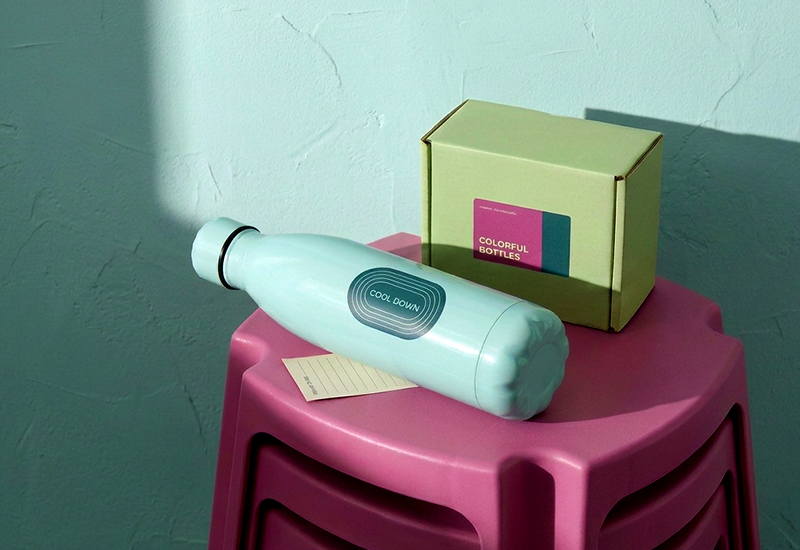
| Water bottle | 2″ x 3″ |
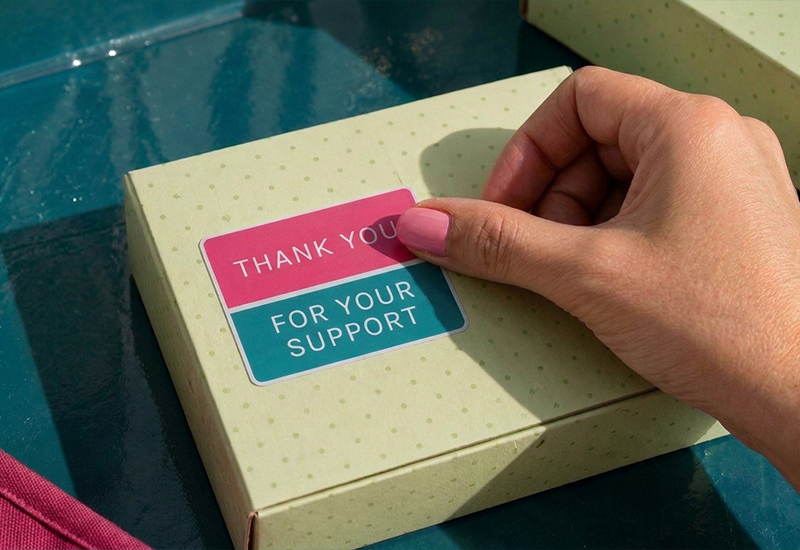
| Product packaging | 2″ x 2″, with a small margin from any seams or edges |
| Phone or tablet case | Around 1.5″ x 1.5″ |
| Event giveaway | 3″ x 3″ |
These are starting points, not rules — the right call still depends on your design and the surface itself. If you’re looking for more placement ideas beyond these, we’ve rounded up dozens in where to put stickers.
How to Measure a Sticker Correctly
Getting the measurement right avoids a common source of confusion at checkout.
- Measure the longest dimension. For rectangles and squares, that’s width and height. For irregular custom shapes, use the widest point in each direction.
- For round stickers, measure the diameter — straight across the center, not the radius.
- Always measure the finished sticker, not the artwork file. Bleed and safety margins in your design file are slightly larger than the final cut size.
If you’re unsure whether a size will look right in real life, hold a ruler or a coin up to the surface you’re planning to use — it’s a quick way to sanity-check a number on a screen against the object in front of you.
Choosing the Right Size for Your Project
Once you know the rough range, a few practical questions narrow it down further.
How far away will people be when they read it? A sticker meant to be read up close (packaging, a laptop) can carry more detail at a smaller size. A sticker meant to be seen from a few feet away needs simpler content and more generous proportions, even if the overall footprint stays modest.
Are you placing one hero sticker, or several smaller ones together? A single larger sticker makes more of a statement and gives a detailed design room to work. Several smaller stickers, tiled or scattered, let you fit more variety into the same space — common on laptops and water bottles.
Is the sticker going on a shared or constrained surface? Product packaging usually needs a more conservative size than a flat, open surface like a laptop lid — there’s less room to work with, and less margin for error.
Custom Sizes: When Standard Doesn’t Fit
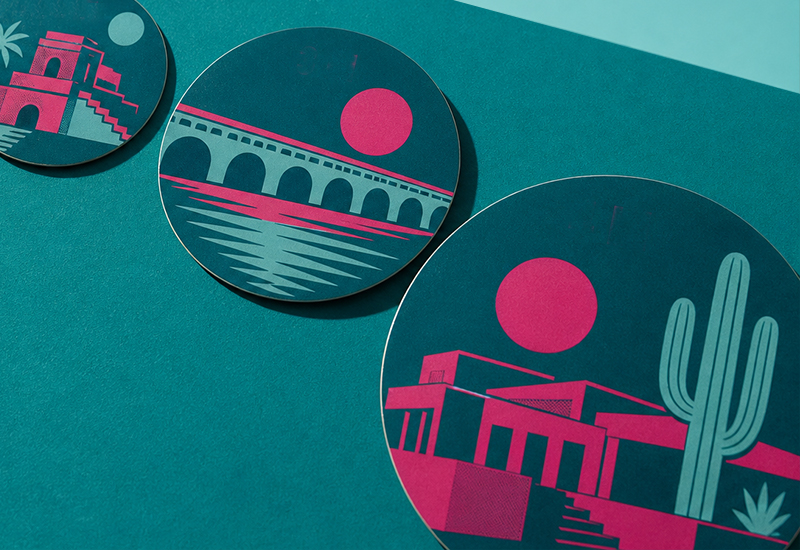
Standard sizes cover most projects, but they’re a starting point, not a ceiling. If your design has an unusual outline — a logo silhouette, an illustrated character, an irregular shape — a custom shape sticker is cut to follow that exact outline rather than a fixed rectangle or circle around it.
This is where the earlier distinction between kiss-cut and die-cut becomes practical rather than theoretical: standalone stickers, in any shape or size within the standard range, are die-cut — each one produced as a single, separate piece, ready to peel and apply. That’s what makes custom sizing possible without complicating the order: you’re not constrained to a handful of preset templates.
Common Mistakes When Choosing a Sticker Size
- Sizing down too far. Text and fine details that look fine on screen often become unreadable once printed small — always check legibility at actual size, not zoomed in.
- Skipping margin on packaging. A sticker sized right up to the edge of a label area can end up wrapping around a curve or overlapping a seam.
- Assuming one size fits every surface. A size that works on a flat laptop lid may look oversized or undersized on a curved water bottle.
- Designing before deciding on size. Starting with a size in mind — even a rough one — makes the design process faster and avoids last-minute rescaling that distorts text and details.
FAQ
What is the most common sticker size? For general use, sizes in the 2″ to 3″ range across width and height are the most versatile, working well for laptops, packaging and giveaways alike.
How do I know what size sticker to order? Start with where it’s going. Match the size to the surface (packaging, laptop, bottle) and the reading distance, then check it against a standard size range for your chosen shape.
Can I order a sticker in a custom size? Yes — sizes aren’t limited to fixed presets. As long as it falls within the orderable range, you can set an exact size to match your design or surface.
Does sticker size affect price? Yes, size is one of the factors — along with quantity, material and finish — that determines cost. Larger stickers use more material per piece, so cost per unit typically increases with size.
What’s the smallest sticker size I can order? Pixartprinting’s custom stickers start as small as 1″ x 2″, suitable for compact logos, seals or small product labeling.
Ready to put these numbers into practice? You can set an exact size, shape and quantity for your project with Pixartprinting’s custom stickers, from a single test print to a full production run.