

For those exploring the world of graphic design, digital art, or photo editing, there’s an impressive range of tools and software available. Adobe Creative Cloud stands out as the leading professional suite, featuring Photoshop for image editing and digital art, Illustrator for vector graphics, and Lightroom for photo enhancement. It’s the go-to choice for many designers, illustrators, and photographers — though it comes with a price tag.
However, the monthly cost of Adobe’s subscription plans can be a dealbreaker, especially for beginners, aspiring designers looking to develop their skills, or anyone seeking a free solution for specific projects. The internet is full of free graphic design software options, but choosing carefully is key to avoiding wasted time and ensuring an efficient learning experience.
We’ve put together a list of the best free graphic design tools that meet a variety of creative needs. Below each software name, you’ll find a download link and the supported platforms.
1 – Gravit Designer – Download or use Online
Available on: Online (Browser), Windows, macOS, Linux, ChromeOS
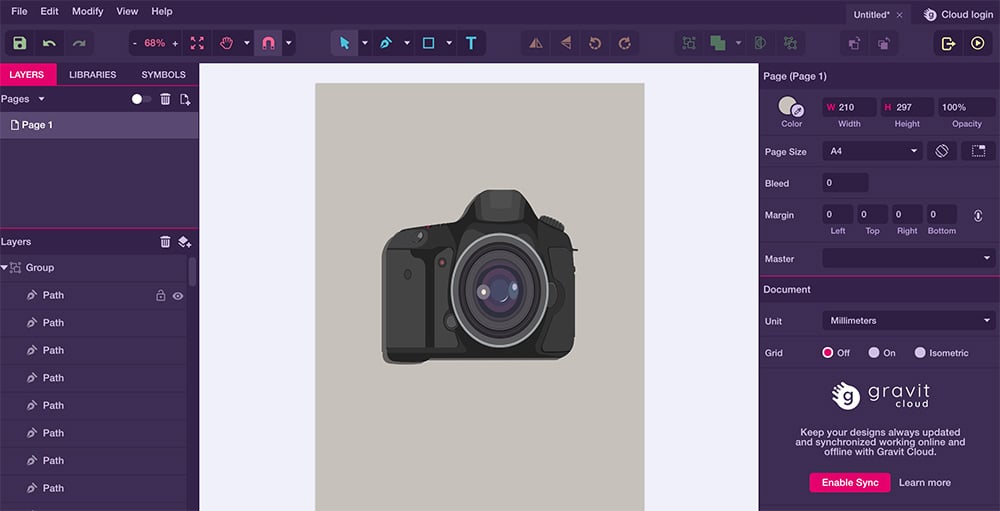
Originally known as Gravit, Gravit Designer is a powerful vector design tool suited for a wide range of tasks — from designing icons and presentations to creating illustrations and animations.
Users can select their preferred workspace size, with preset formats like Blog Cover, Facebook Cover, or iPhone X screen dimensions — ensuring the software remains up to date with modern needs.
The interface is intuitive and user-friendly, featuring tools for advanced, non-destructive vector editing such as the pen, knife, and selection tools. You can also generate basic shapes with auto-completion and build complex vector compositions by merging multiple objects.
2 – Inkscape – Download
Available on: Windows PC, Linux, MacOS
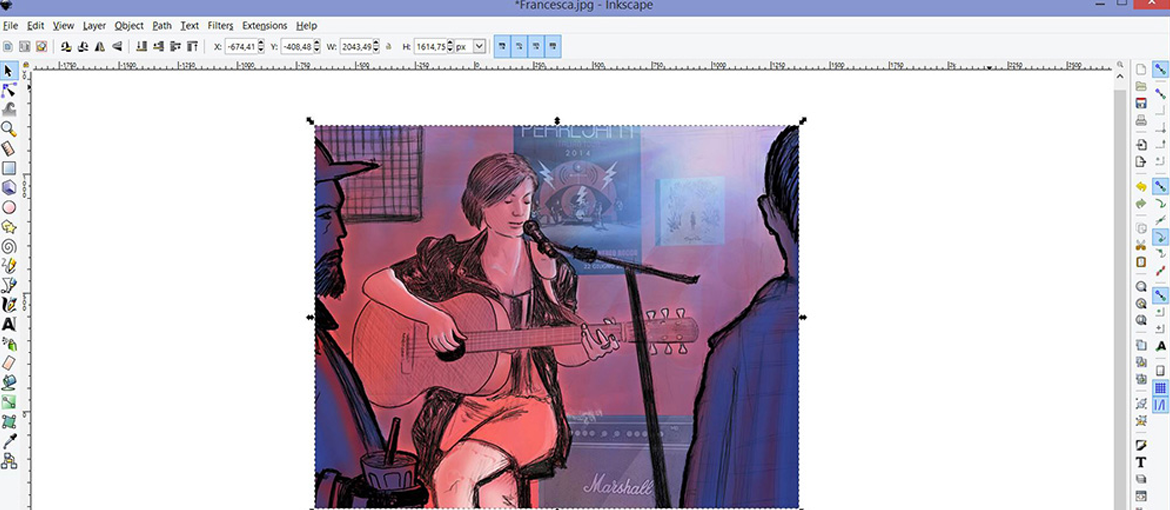
Inkscape is a long-standing favorite among vector graphic designers thanks to its versatility and power. It’s a top-rated, open-source alternative to Adobe Illustrator, primarily focused on the SVG (Scalable Vector Graphics) format but compatible with many others.
It supports a variety of proprietary file types, including AI, EPS, PDF, JPEG, GIF, and PNG. While it may lack some of Illustrator’s advanced features — like third-party plug-ins or specialized filters — Inkscape offers all the essential tools for both basic and complex projects. You can create and edit detailed shapes, manage layers, manipulate text, and import raster images.
The Inkscape community also provides a wealth of tutorials to help new users get comfortable with the software.

3 – Krita – Download
Available on: Windows, macOS, Linux
Krita is a versatile digital painting and drawing program that’s been in continuous development since 1999. Created by artists for artists, it’s designed for concept art, texture and matte painting, illustration, and comics.
The software includes a wide range of preloaded brushes for different styles and techniques, and users can expand its capabilities with numerous plug-ins for filters, perspective guides, and other advanced features.

4 – Pixlr – Download for iOS – Download for iOS
Available on: Android, iOS
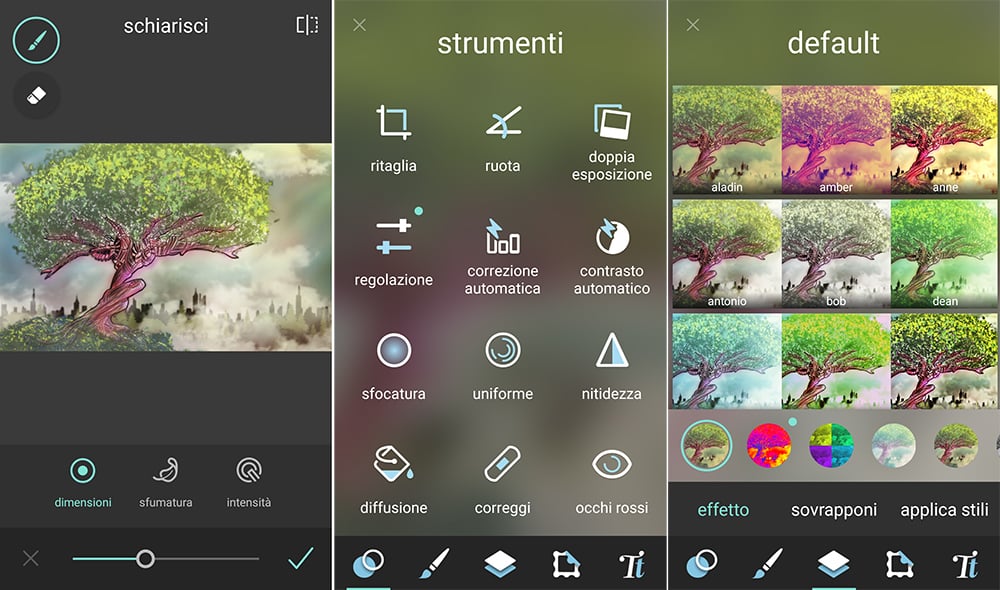
Pixlr is a photo editing app for smartphones and tablets that offers over 600 filters to enhance your images. It’s easy to use and includes features for adding borders, stickers, and text, creating collages, and applying real-time filters with your camera.
5 – GIMP – Download
Available on: Windows, macOS, Linux
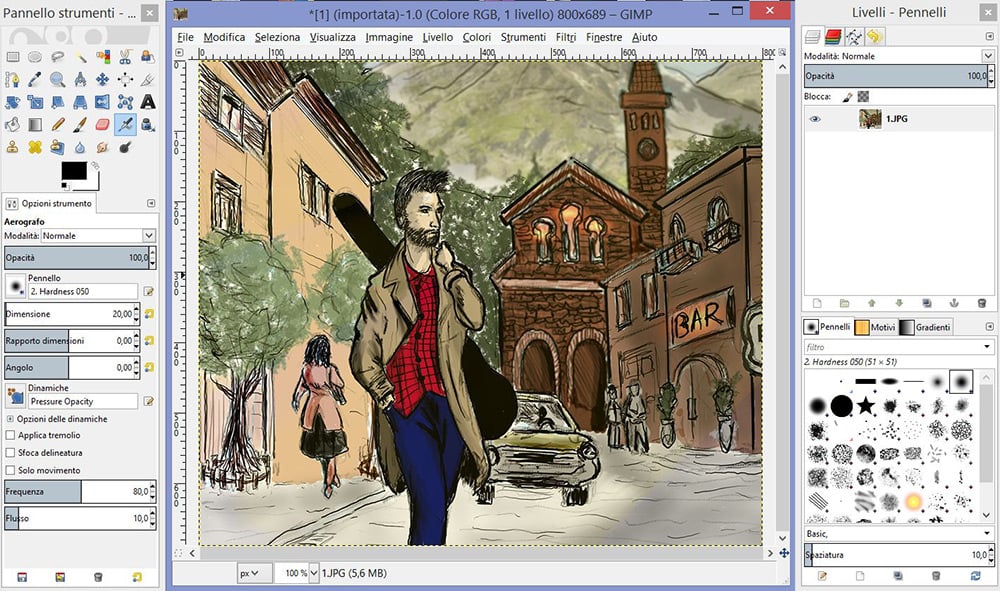
GIMP (GNU Image Manipulation Program) is one of the most popular free alternatives to Adobe Photoshop. It offers a wide range of tools for drawing, coloring, and photo enhancement, supporting multiple file formats and featuring an integrated file manager similar to Adobe Bridge.

6 – Canva – Use Online – Download for iOS – Download for Android – Download for Windows – Download for Mac
Available on: Online (Browser), Windows, macOS, Android, iOS
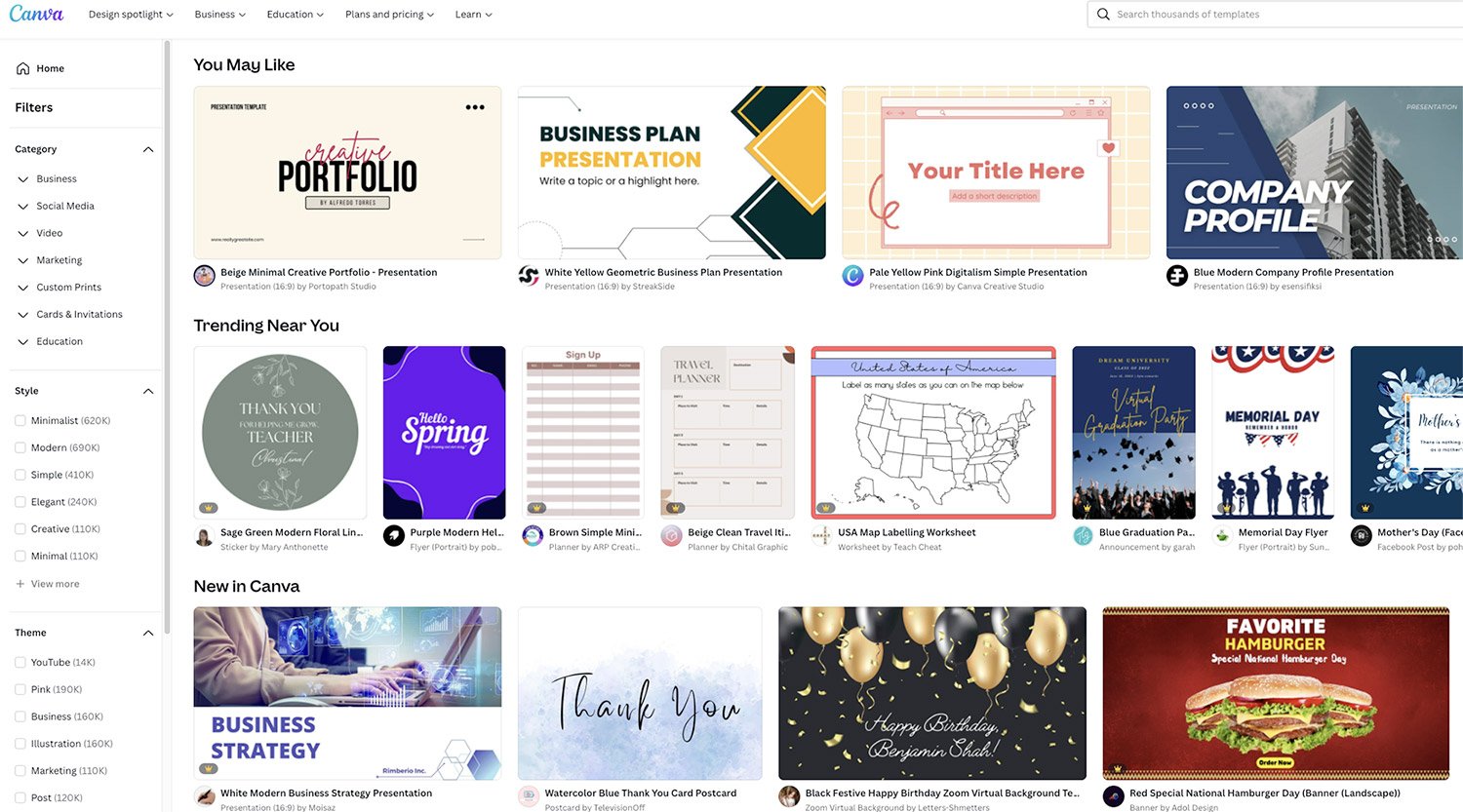
Canva has become a favorite among users looking for free, easy-to-use graphic design tools. It’s ideal for beginners or for creating simple online designs. While it doesn’t offer the full range of Adobe’s features, Canva is a convenient option for designing and publishing professional-looking content quickly.
7 – Adobe Express – Download for desktop – Download for Android – Download for iOS
Available on: Windows, macOS, Android, iOS
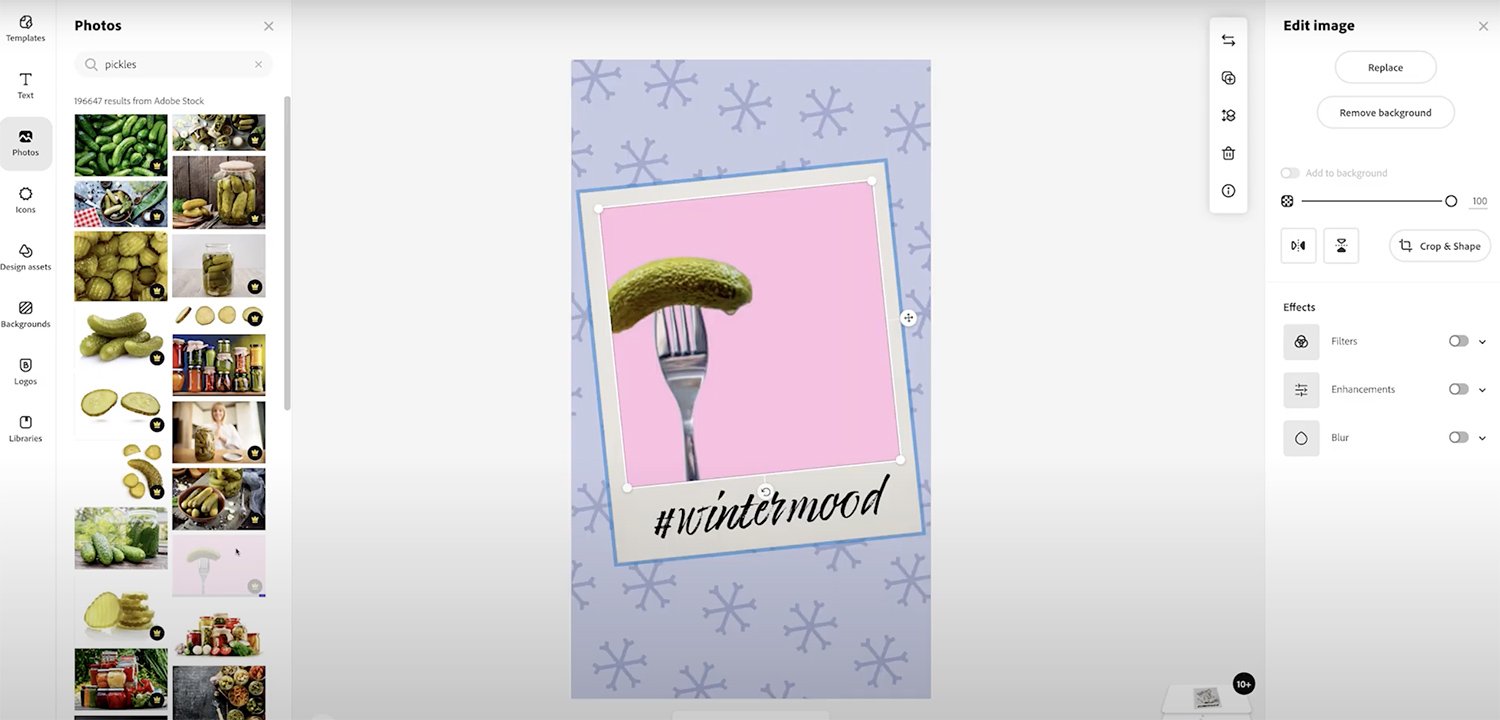
Adobe Express, formerly known as Adobe Spark, is a free design tool that serves as a lighter alternative to Illustrator. While less comprehensive, it ranks among the best free graphic design apps — especially for beginners. It’s perfect for creating social media content, logos, and posters, and it integrates seamlessly with other Adobe products.
8 – Genially – Use Online
Available on: Online (Browser)
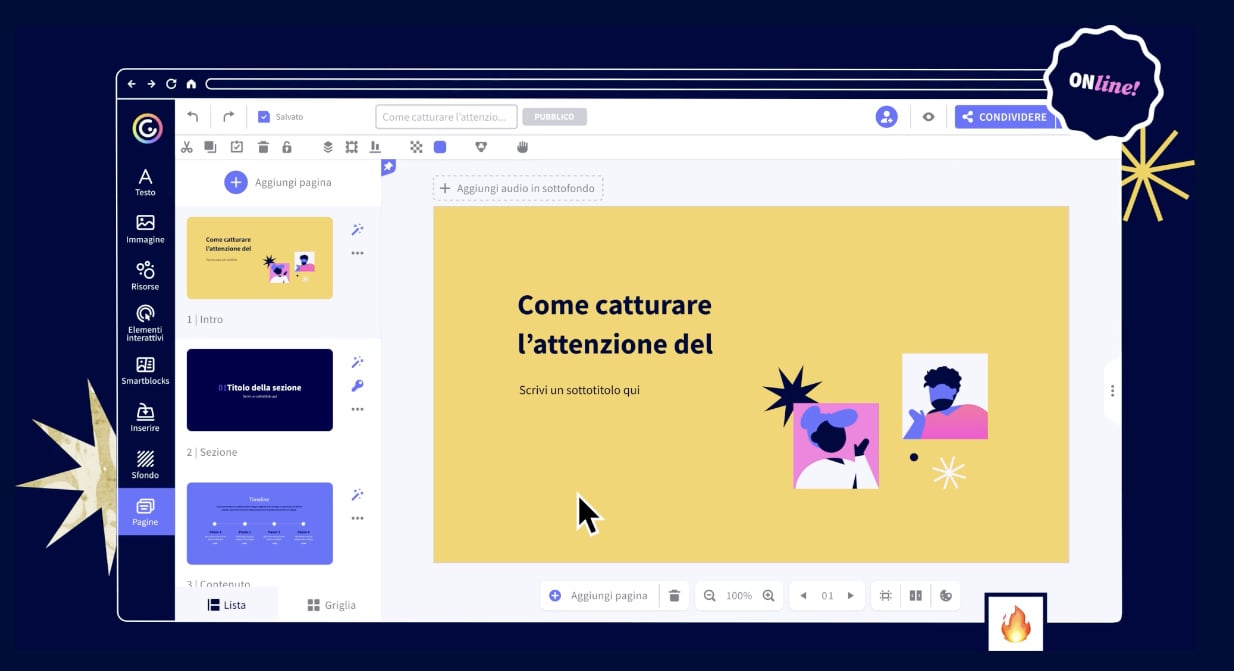
Genially is a free online platform for creating visual content such as presentations, infographics, resumes, and social media graphics. It offers a variety of templates and makes it easy to design interactive experiences, including educational games and dynamic visuals.
9 – Photopea – Use Online
Available on: Online (Browser)
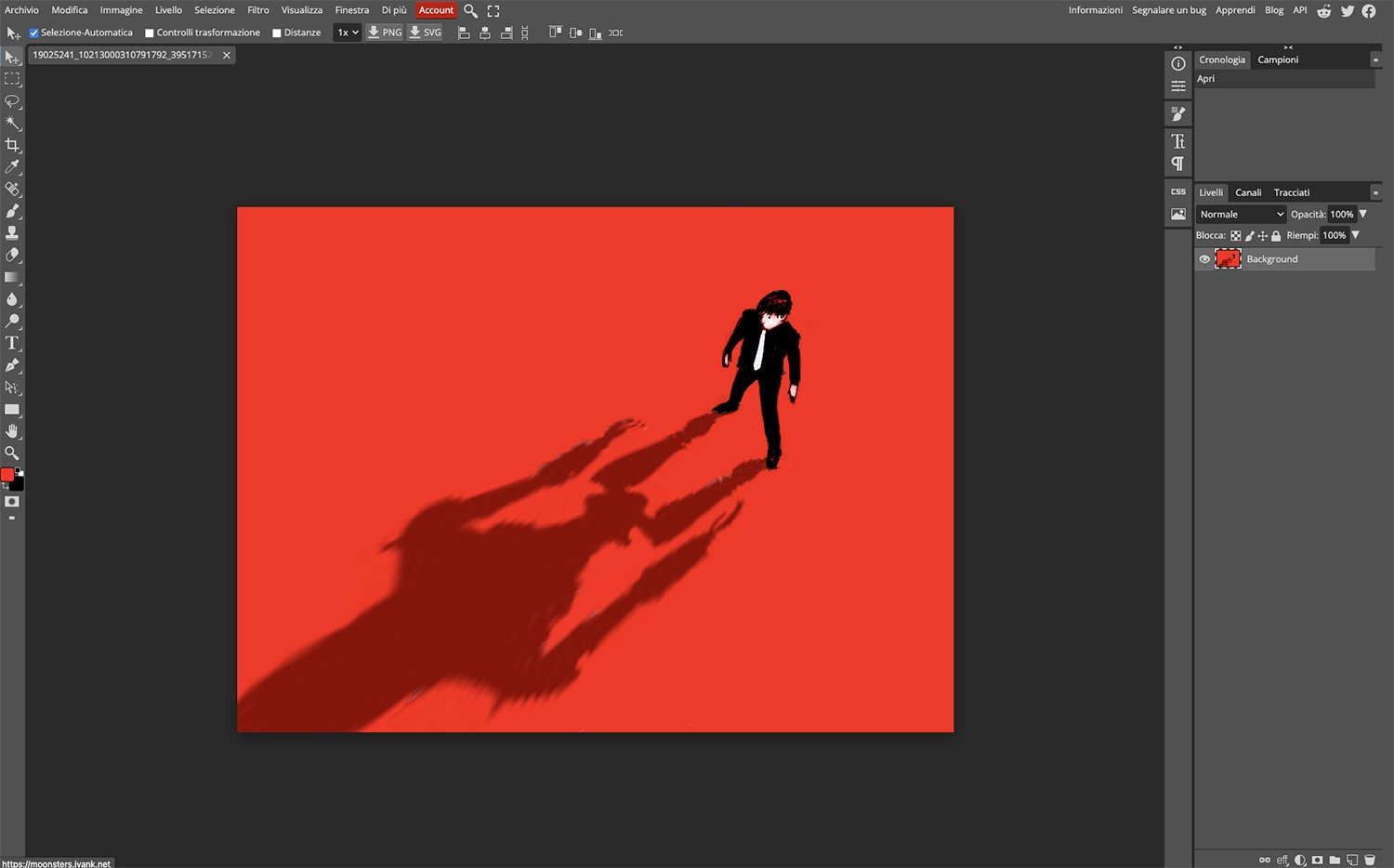
Photopea is a free, web-based alternative to Photoshop that doesn’t require installation. It replicates many of Photoshop’s core features and supports a wide range of file types, making it a versatile option for editing, importing, and exporting different formats.
10 – Infogram – Use Online
Available on: Online (Browser)
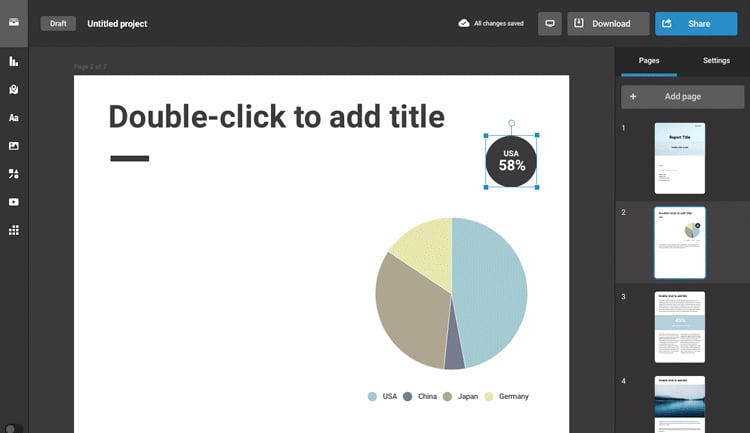
Infogram is an excellent tool for quickly creating infographics. It offers a wide selection of interactive templates and customizable charts that allow users to design professional-looking data visualizations with ease.
Aside from these ten, the web offers other free graphic design software like Vectr and SVG Edit for vector graphics, Photo Pos Pro for image editing, and VSCO for mobile photo editing.